LedgerOS
Knowledge Hub
Learn
Open LedgerOS
Knowledge Hub
Learn
Open LedgerOS
LedgerOS Books, by video
21 video lessons · about 69 minutes
Outline
1
Getting started
Set up your firm and add your first client
3:41
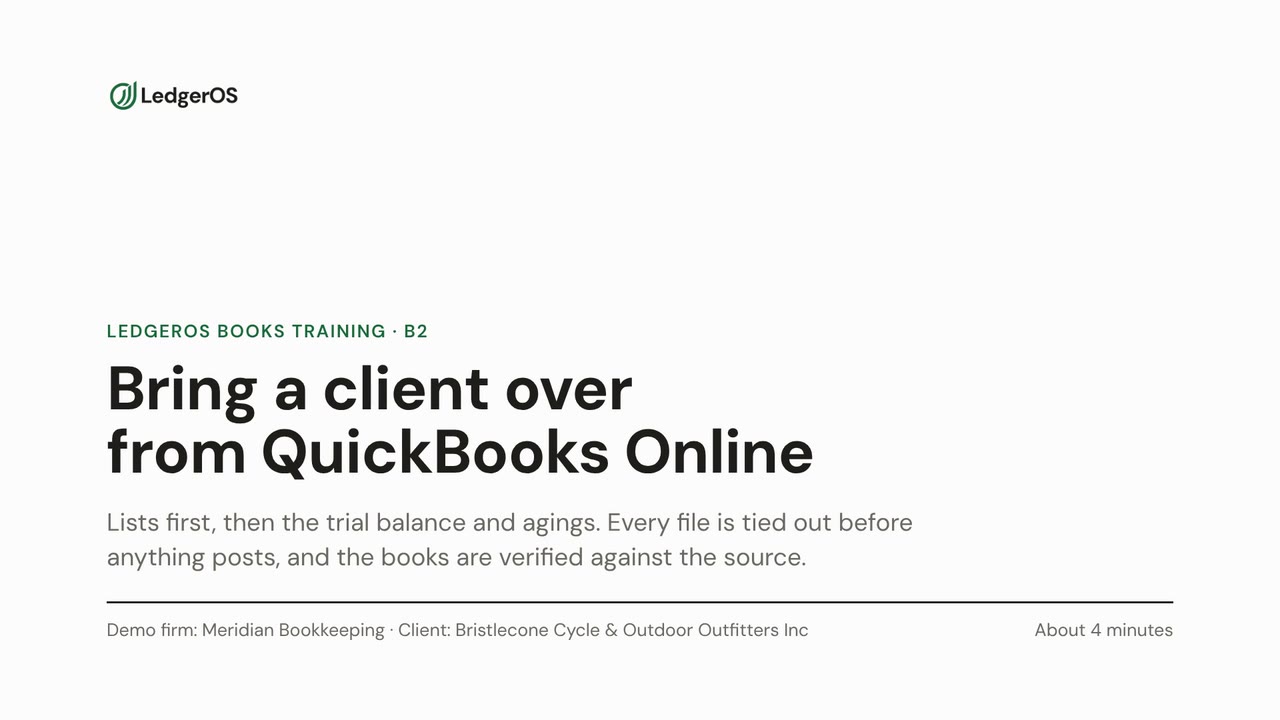
Bring a client over from QuickBooks Online
4:16
Free vs Premium: what each client gets
2:47
The firm dashboard: every client on one screen
2:11
2
Banking
3
The ledger and the close
4
Sales and purchases
5
Reports and tracking
Chapter 1 · Getting started
Bring a client over from QuickBooks Online
Lesson 2 of 4 · 4:16 · captions
0:00 / 4:16
1×
In this lesson
0:00
Introduction
0:30
Export these reports first
0:51
Pick the product
1:15
Choose what to bring
1:30
Match the columns
1:44
Customers, vendors, items and classes
2:15
Decide, then add the lists
2:35
The trial balance
2:50
Receivables and payables agings
3:01
Review the tie-out
3:20
Commit the business details
3:33
Post and verify
3:45
The books are open
4:00
Recap
Read more
Bring Books Over From QuickBooks, Xero and Other Systems
Books · Getting started · 23 min read
An Import Stopped Partway
Books · Troubleshooting · 11 min read
Previous
Set up your firm and add your first client
Continue
Free vs Premium: what each client gets